Local Browser Extraction vs. Cloud Upload Services: Which is Better for Extracting Slides?
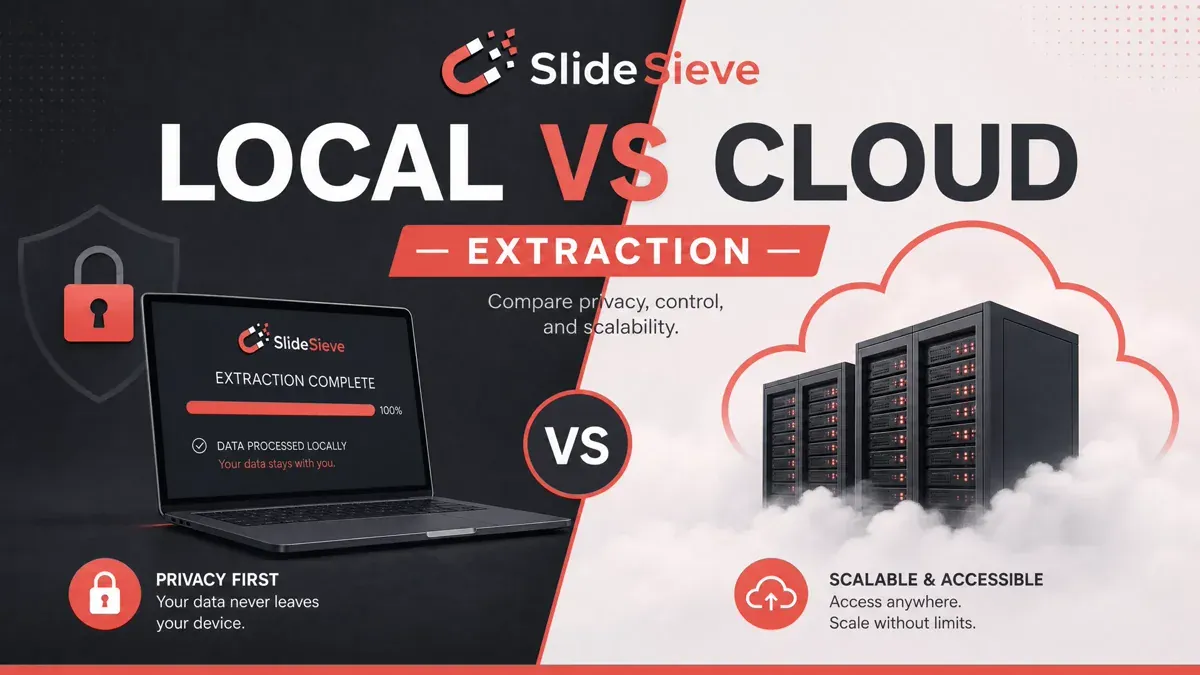
Two Architectures, One Goal
You want your course slides saved. There are fundamentally two ways to build a tool that does this:
- Cloud processing — you upload the video, a server analyzes it, and you get results back.
- Local processing — the analysis runs inside your browser while you watch, and nothing leaves your device.
Almost every AI-powered video summarizer on the market uses option one. SlideSieve uses option two. The difference matters more than most people realize.
The Problem with Cloud Processing
Privacy and Copyright
When you take a course on DeepLearning.AI, Coursera, or Udemy, you are accessing licensed video content. The platform's terms of service permit you to stream the video for personal study. They do not permit you to download the video and transmit it to a third-party server.
Cloud slide extraction tools require exactly that. To use them, you either download the video yourself and upload it, or you give the service API access to pull the video on your behalf. Either way, copyrighted course material ends up on a server you don't control, stored in a way you can't audit, potentially used to train AI models in ways you never agreed to.
Even if a service promises not to store your data, you have no way to verify that claim. Privacy policies change. Companies get acquired. Breaches happen.
Upload Time
A 30-minute lecture in 1080p is roughly 1–2 GB of video data. On a typical home internet connection, uploading 2 GB takes 5–15 minutes before processing even starts. Add server queue time and you're looking at 20–30 minutes between finishing a lecture and getting your slides.
If you're studying in the evening and finish a lecture at 10 PM, you won't have your slides until 10:30 PM at the earliest. That's not a workflow — it's a delay.
Subscription Costs
Server compute is expensive. GPU inference at scale costs money, and cloud video processing services pass those costs directly to you. The typical cloud AI video tool requires a premium monthly subscription for meaningful usage limits. Over the course of a semester, those tool fees add up significantly on top of whatever you paid for the courses themselves.
Accuracy Trade-offs
Cloud services that generate slides from video typically use one of two approaches: frame sampling (capturing a frame every N seconds) or scene change detection (looking for visual cuts). Both approaches miss context that is obvious to someone watching in real time.
Frame sampling at 5-second intervals captures 12 frames per minute. In a dense lecture with rapid slide builds, that's enough to miss entire bullet points. Scene change detection catches hard cuts but fails on slides that animate content in gradually — a common pattern in high-production courses.
How Local Browser Extraction Works Differently
SlideSieve runs a classification algorithm on each video frame directly inside your Chrome tab using JavaScript and the Canvas API. There is no upload step. No queue. The analysis happens at the same rate the video plays.
Real-Time Capture
When a new slide appears on screen, SlideSieve captures it within the same second. You don't finish the lecture and then wait — your slides are available in the side panel as you watch. Mid-lecture, you can already open the panel, scan what's been captured, and delete anything that slipped through.
This changes how you interact with the tool. Instead of reviewing slides after the fact, you review them alongside the lecture. You catch errors immediately rather than discovering them the next day.
No Copyright Exposure
SlideSieve captures frames from the HTML5 <video> element via the Canvas API while the video is streaming. The video data is never written to disk by the extension, never transmitted anywhere, and never stored in a format that could be exported as a video file. The captured frames are compressed still images of individual slides — no different in legal character from taking a photograph of your own computer screen for personal study.
Organized by Default
Cloud services return a flat set of images or a generic PDF. SlideSieve reads the course URL while capturing and extracts the course name, lesson name, and lesson order number. Captured slides are indexed by this metadata in IndexedDB. The resulting PDF is named after the course and lesson automatically. You don't rename files or sort folders.
Side-by-Side Comparison
| Factor | Cloud Video Summarizer | SlideSieve (Local) |
|---|---|---|
| Upload required | ✅ Yes | ❌ No |
| Privacy | ❌ Data leaves your device | ✅ 100% local |
| Copyright risk | ⚠️ High | ✅ None |
| Processing wait | ⚠️ 20–30 min | ✅ Real-time |
| Capture accuracy | ⚠️ Frame sampling | ✅ Frame-by-frame analysis |
| Cost | ⚠️ Recurring monthly fees | ✅ Free / $16.99 one-time |
| Slide organization | ⚠️ Manual | ✅ Auto by course and lesson |
| Works on private courses | ❌ Often not | ✅ Yes |
When Cloud Services Make Sense
Cloud video tools are genuinely useful for one specific use case: generating AI text summaries or transcripts from long-form public YouTube videos where you want the spoken content turned into structured notes. If you care more about what was said than what was shown on screen, a cloud transcription service is a reasonable tool.
For extracting visual slide content from private, paid online courses — where accuracy, privacy, and organization matter — local browser extraction is the better architecture. You can see how your browser performs this frame classification without servers in our guide on how SlideSieve works.
The One-Time vs. Monthly Cost Question
SlideSieve's Pro plan is a one-time $16.99 lifetime purchase. No monthly fees, no renewal, no price increases. Compared to typical cloud alternatives, SlideSieve pays for itself within the first few weeks of use and then costs nothing more.
The free tier covers a budget of up to 50 slide captures in total. For students who take one or two courses per year, the free tier may cover all their needs.
The Verdict
The architecture choice isn't just a technical detail — it determines your privacy exposure, your study workflow, and your long-term tool costs. Local browser extraction does not require you to trust a third-party server with licensed course material. It delivers slides in real time. It costs less. For the specific task of capturing slides from online courses, it is the better tool.
More Articles
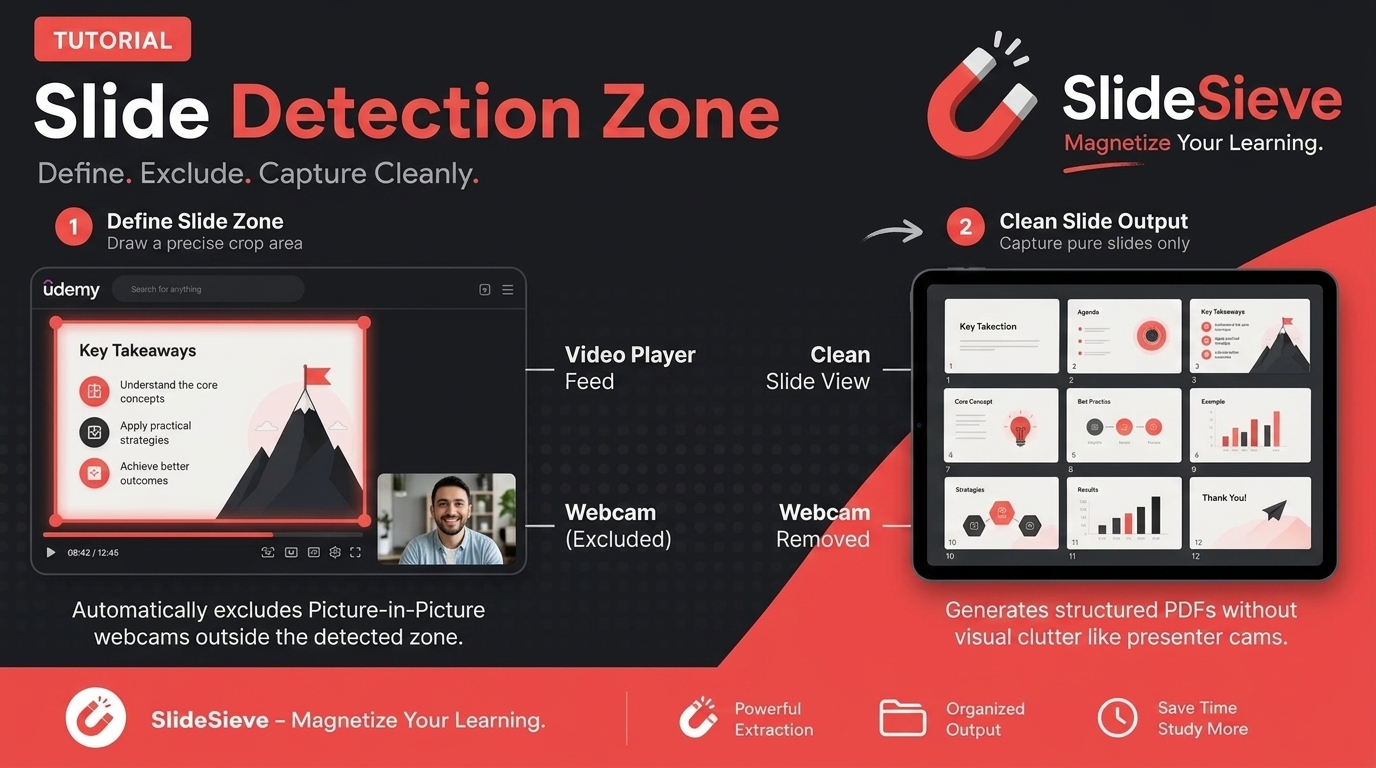
How to Capture Slides from Picture-in-Picture Webcam Courses
Learn how to use SlideSieve's Detection Zone to accurately capture presentation slides from courses that feature Picture-in-Picture instructor webcams.
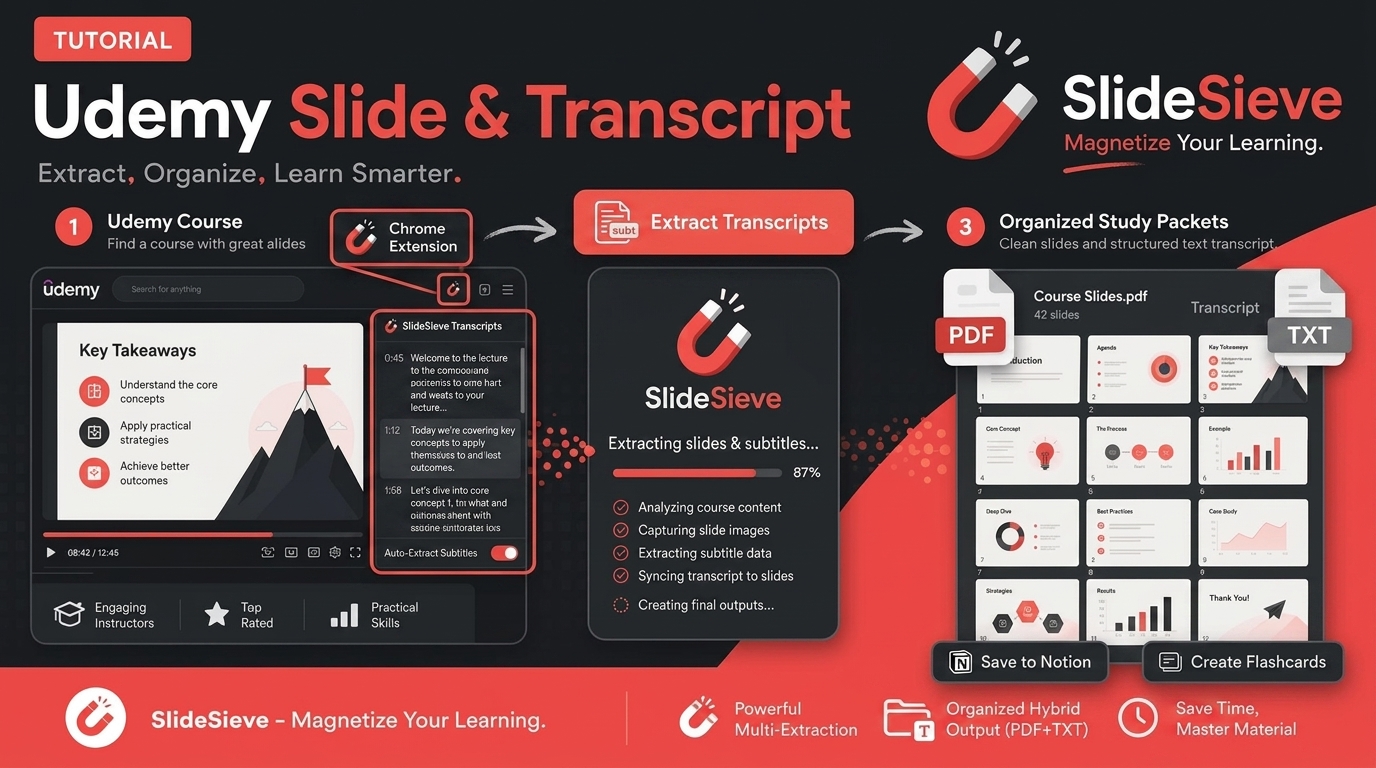
How to Save Course Transcripts with SlideSieve
Learn how to automatically extract and download transcripts from Coursera, Udemy, YouTube, and DeepLearning.AI videos using SlideSieve.
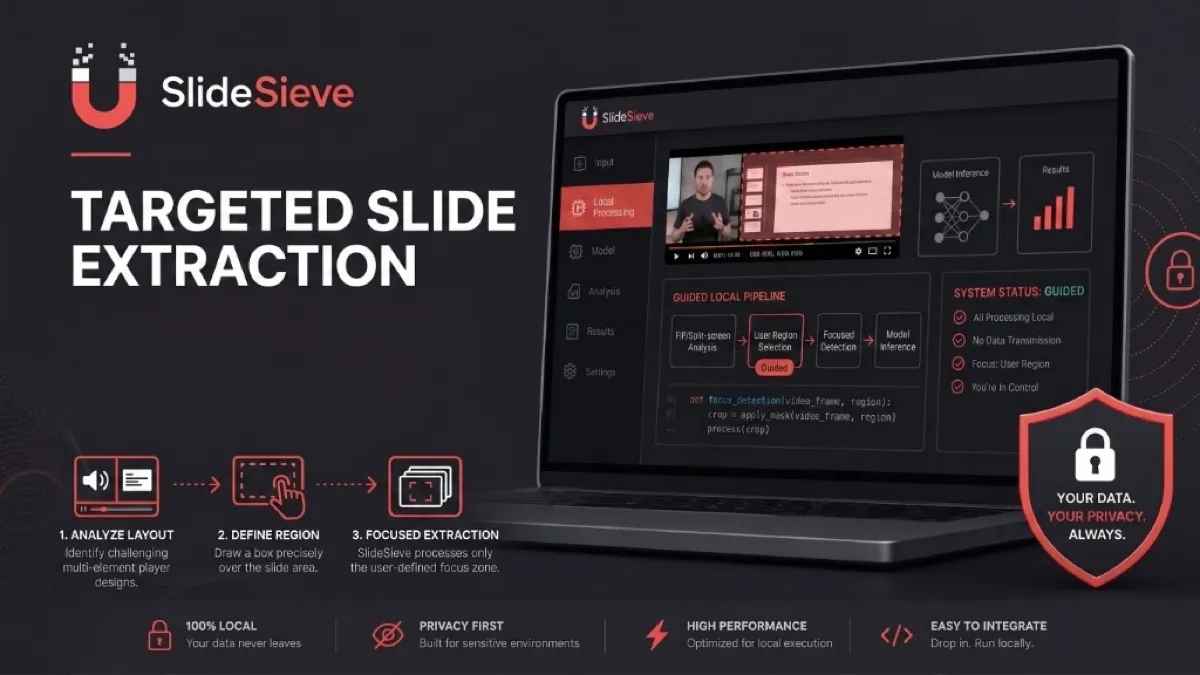
SlideSieve 1.1: Transcript Extraction, Slide Detection Zone, and 15 Languages
Announcing SlideSieve 1.1 with course transcript extraction, custom Slide Detection Zone for PiP webcam layouts, and support for 15 languages.