SlideSieve is Live on Product Hunt: Extract Slides from Online Course Videos

SlideSieve
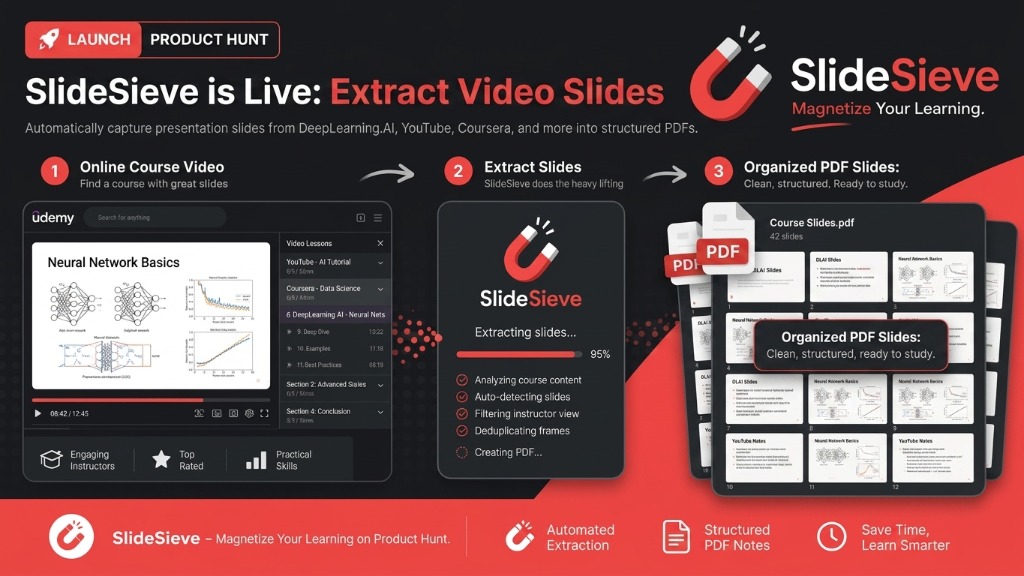
Are you tired of pausing lecture videos every two minutes to take a screenshot? Today, we are incredibly excited to announce the official launch of SlideSieve on Product Hunt.
SlideSieve is a powerful, privacy-first Chrome extension designed to extract slides from online course videos automatically. Whether you are studying complex neural networks on DeepLearning.AI or watching a fast-paced coding tutorial on YouTube, SlideSieve runs silently alongside your video, saving every important presentation slide directly to a clean, multi-page PDF.
Why We Built SlideSieve
When learning from dense, technical videos—especially in AI, machine learning, and computer science—the slides are just as important as the audio. But manually grabbing those slides ruins your state of flow.
If you've ever searched for how to "save lecture slides from video" or "turn YouTube video into slides," you know the struggle. We built SlideSieve so you never have to take a manual screenshot or transcribe a complex diagram again.
Core Features That Make It Magic
We've designed the ultimate automated video-to-slide converter for students, engineers, and lifelong learners:
- Auto Slide Detection: No configuration needed. SlideSieve uses smart computer vision to identify genuine slide frames across any layout or aspect ratio.
- Instructor Frame Filter: It intelligently skips frames where the instructor's face dominates the screen (like picture-in-picture or full webcam segments). You only get the slides, nothing else.
- Smart Deduplication: Say goodbye to 50 identical screenshots of a single slide. SlideSieve's morphological deduplication ensures that subtle video compression noise is ignored, but any true text addition (like bullet-point reveals) triggers a new capture.
- 100% Private, Zero Cloud: Your videos never leave your browser. All analysis and slide extraction happens locally on your machine.
- One-Click PDF Export: When the video ends, click "Export" to compile all captured slides into a beautifully organized PDF, completely preserving the original aspect ratios.
Supported Platforms
SlideSieve is built to work seamlessly where you already learn. It currently supports:
- DeepLearning.AI: Features special logo-detection heuristics to perfectly capture heavily branded DLAI slides, automatically organizing them by lesson name.
- YouTube: Ideal for turning long YouTube educational videos and tutorials into quick-reference study materials.
- Coursera & Udemy: Automatically scopes your captures by Course Name and Lesson Name so your notes are perfectly organized.
More platforms are coming soon!
Get SlideSieve and Support Our Launch!
SlideSieve is available right now on the Chrome Web Store. It comes with a generous free tier (150 slide captures) so you can test it on your next few courses. Upgrading to Pro gives you unlimited slides and exports for life.
We would love your support today on Product Hunt. Check out our page, try out the extension, and let us know what features you want to see next!
SlideSieve
More Articles

Local Browser Extraction vs. Cloud Upload Services: Which is Better for Extracting Slides?
A deep dive into why local, browser-based slide extraction is safer, faster, and more cost-effective than cloud-based video summarizers.

Why We Built SlideSieve: Fixing the Broken Note-Taking Experience for Online Courses
We were tired of manually pausing, taking screenshots, and organizing folders just to capture slides. Here's why we built SlideSieve to automate the process.
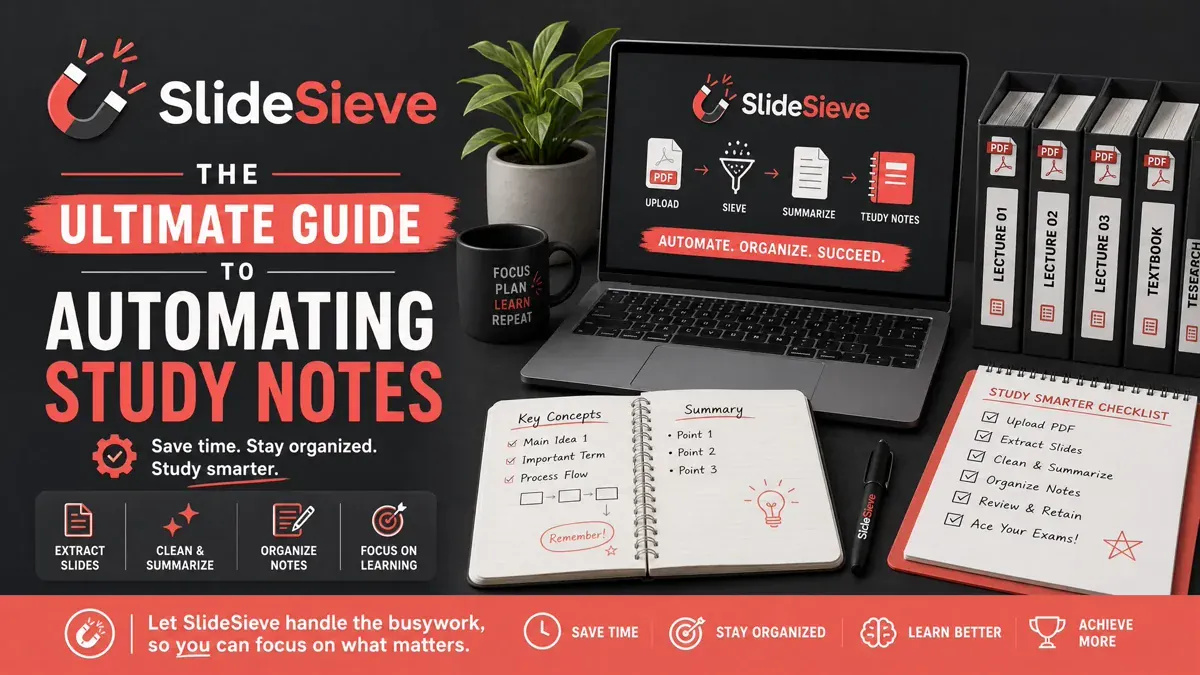
The Ultimate Guide to Automating Your Slide Capture with SlideSieve
Master SlideSieve's features. Learn how to navigate the side panel, manage course slides, use manual capture shortcuts, and export clean PDFs.